Create URL, logo, photo, face mosaic and UPI payment QR codes. Everything is generated locally in your browser.
✓ No account✓ No watermark✓ Images stay private✓ PNG & SVG
Receive money with any UPI app
Customers can scan with Google Pay, PhonePe, Paytm, BHIM or another UPI app.
UPI · INDIA
🛡
Safe by design: this QR only contains the payment address and optional amount. Never enter or share a UPI PIN to receive money. Always ask the payer to confirm your name before paying.
Getting a clear result: use a tight head-and-shoulders crop on a plain background — a busy backdrop eats the detail.
Raise Photo detail for a finer picture, but lower it again if your phone struggles to scan.
Face contrast helps flat or dim photos. Keep QR size large enough that the code is not tiny on screen.
Always scan the finished code with your own phone before printing or sharing it.
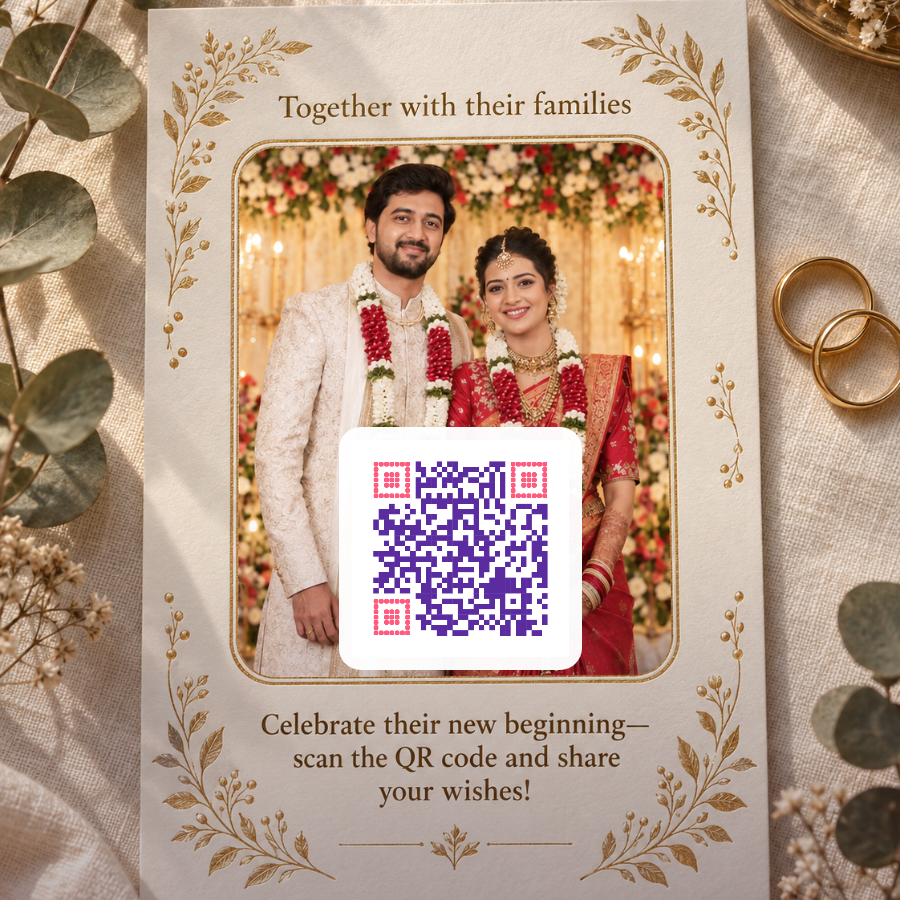
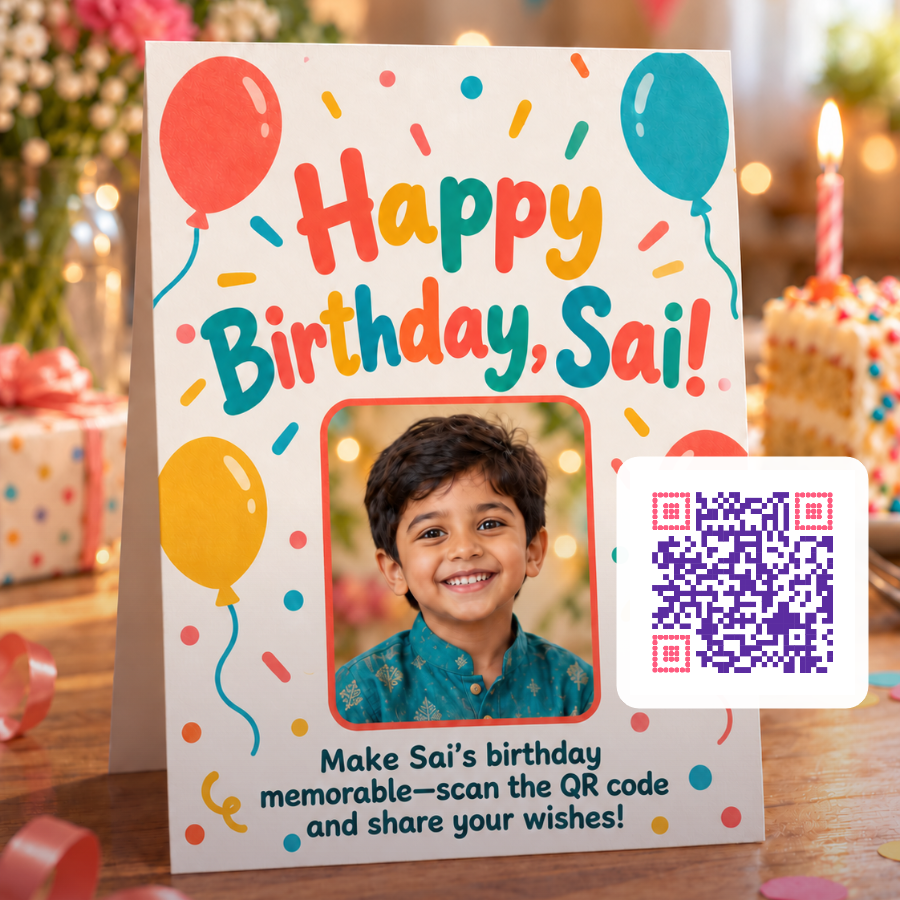
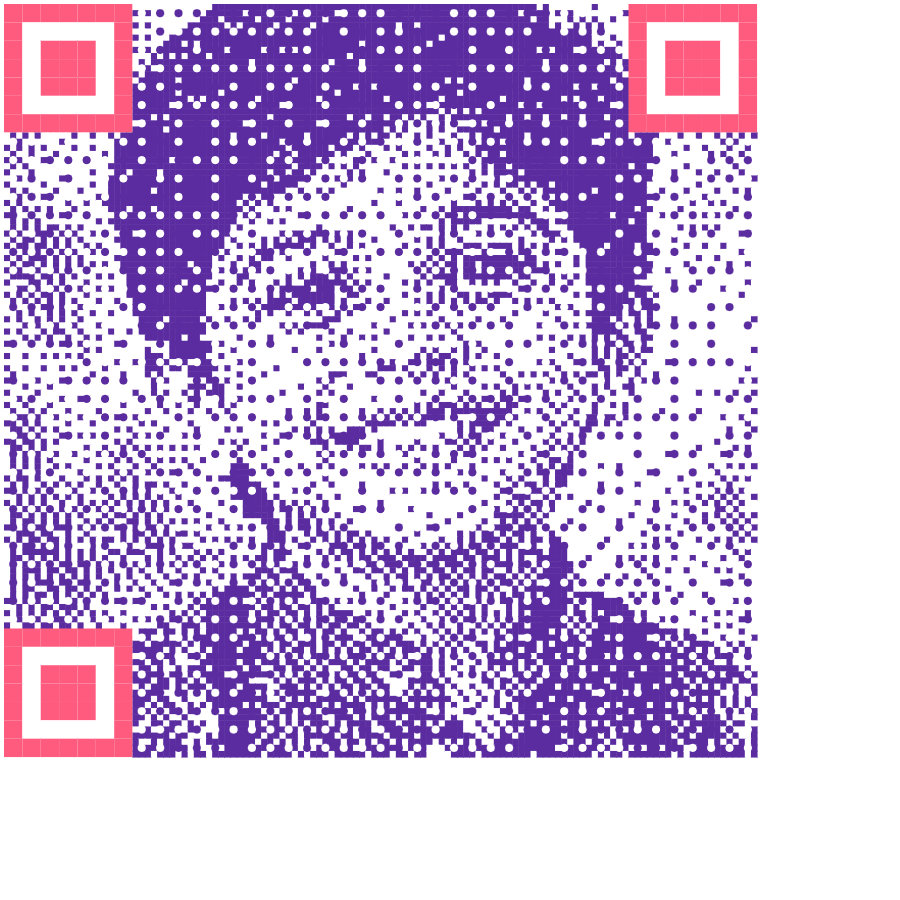
Wedding invite — scan for the albumBirthday card — scan to leave a messagePhoto inside the code — and it still scans
One QR works across UPI apps
A UPI payment QR created here contains the recipient’s UPI ID, display name and optional payment amount. A payer can scan it using a compatible UPI app such as Google Pay, PhonePe, Paytm or BHIM. The payer should confirm the recipient name shown by their app before authorising payment.
Personal and business payment QRs
Anyone with an active UPI ID can create a personal payment QR. Businesses should normally use the verified merchant QR supplied by their bank or payment provider when they need merchant features, settlements, soundbox support, refunds or transaction reporting.
Private photo and logo QR codes
Uploaded photos and logos remain in your browser. Full Photo mode places a movable, scan-friendly QR over the image. Face Mosaic rebuilds the code using portrait-influenced tiles, so it is intentionally more abstract. Always scan-test a downloaded design at its final printed size.
How to use QR Studio
Pick a tab at the top of the editor: URL, UPI Payment, Logo, Photo or Fun.
For a link, type the address in Website URL and press Generate QR or Enter. If you leave out https://, it is added for you.
For a payment code, fill in Recipient name and UPI ID, add an amount or note if you want, then press Generate UPI Payment QR.
To decorate the code, open Logo or Photo and upload an image. These tabs reuse the content you generated last, so set the link or payment details first.
Adjust Pattern (Square, Rounded or Dots), QR colour, Corner colour and Background until the live preview looks right.
Scan the preview with your phone, then press Download PNG or Download SVG.
Tips for codes that scan first time
Keep the code darker than the background. Phone cameras look for dark squares on a light field. Light codes on dark backgrounds, or two similar mid-tones, are a common reason a code will not read.
Treat the corner colour as part of the code. It paints the three large position markers a scanner locks onto first, so it needs the same strong contrast as the QR colour.
Use the shortest link you can. Codes use the highest error-correction level the content allows, which leaves room for a logo but makes long content dense. If you see "Could not create this QR", the content is too long.
Pick the right file. SVG is the better choice for a plain code that will be printed large. Once a logo or photo is added, PNG and SVG carry the same image.
Move the code off the busy part of a photo. In Full photo + QR, use the position buttons or drag the code directly on the photo, and raise QR size (26–46%) if it looks small.
Remember what the Fun presets change. Party, Love, Wedding and Birthday set the frame message; the code itself is the same as a plain URL code.
Setting up a UPI payment code
Leave the amount blank for a shop counter, donation box or anything where the payer decides the sum; they will type it in their app. Fill it in (up to ₹1,00,000) when the code is for one fixed bill, such as a tuition fee or an event ticket. The optional note, up to 80 characters, is passed to the payer's app as the payment remark, which helps you match payments to orders later.
The code holds only your UPI ID, name, currency and those optional fields, written as a standard upi://pay link. Nothing is sent to ConvertShorts, and uploaded logos and photos are read by your browser alone.
Why is the frame message missing from my download?
The frame message and the address under the code are part of the preview card on this page. Download PNG and Download SVG save the code itself, together with your logo or photo if you added one, so add any caption in your card or poster design.
Can I make a Wi-Fi or contact-card QR code here?
Not as a separate option. The URL and Fun tabs treat what you type as a web address and add https:// when it is missing, so they are meant for links. The UPI Payment tab is the only other content type.
What size is the downloaded image?
The PNG is 900 × 900 pixels. A plain code saved as SVG is drawn as true vector shapes and stays sharp at any size; with a logo or photo, the SVG holds the same 900-pixel picture as the PNG.